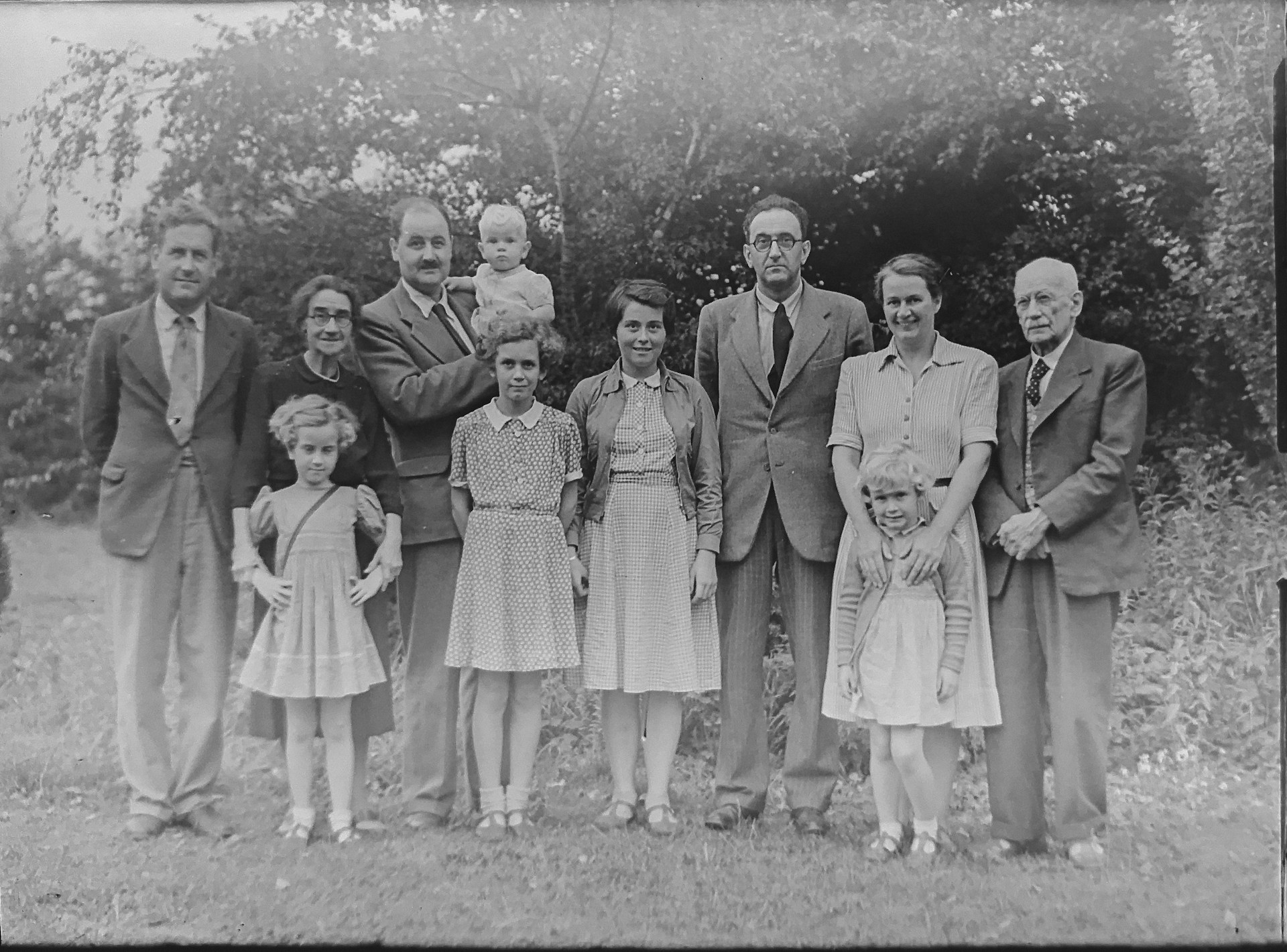
Old photos degrade in different ways. One has scratches. Another has faded colors. A third is just low quality. That’s why a single tool rarely delivers good results across every case.
This list isn’t about naming a single “best” tool. Instead, we compared different approaches to restoration. The goal is to help you figure out which option fits your specific situation.
How the Comparison Was Structured
We didn’t rank these tools by popularity. The evaluation focused on how they handle real scenarios. Different types of damage. Different image conditions. We also looked at how stable the results were across multiple tests.
A few key aspects guided the comparison. These criteria helped separate tools that actually work from ones that look good only in controlled demos.
Here’s what we tracked across all tools:
- Ability to handle different types of damage;
- Quality of detail reconstruction;
- Speed of processing and workflow simplicity;
- Need for manual adjustments;
- Overall consistency across multiple images.
We used these criteria throughout the comparison. You’ll see them reflected in how we break down each tool below.
Renew Photo
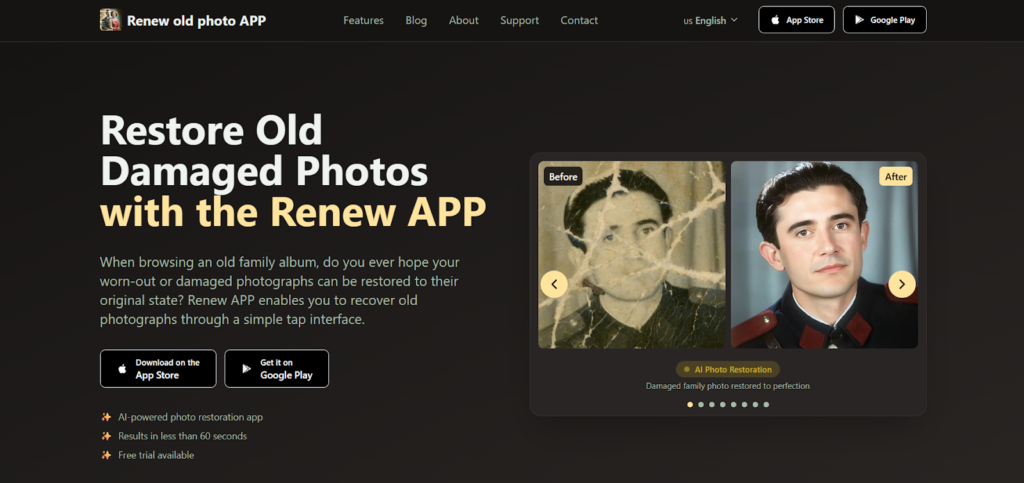
Some tools handle one type of damage well but struggle when problems combine. Renew Photo doesn’t have that issue. It delivers stable results across different photo types, making it the most balanced option in this list.
The tool processes multiple problems at once. Scratches, fading, and detail loss are handled together. You do not need to switch between different apps or run several passes.
How It Performs in Real Use
We ran this tool across a range of photos. Old portraits. Images with mixed damage. Low-quality scans. The results stayed consistent.
According to our tests, it gives a uniform result across most scenarios:
- Handles scratches, fading, and detail loss together;
- Reconstructs missing parts rather than just sharpening pixels;
- Works without manual input or technical adjustments;
- Produces consistent results across different photos;
- Suits both light and moderate damage cases.
If you want one tool that covers most situations, this is probably the one.
RetroFix
Speed is the main selling point here. RetroFix doesn’t pretend to be a deep restoration tool. It’s built for quick tasks where you don’t want to mess with settings.
You use this when you have a handful of photos and just need a basic cleanup. The workflow is simple. Upload. Process. Download. No extra steps.
Where It Works Best
This tool shines in straightforward scenarios. Simple defects. Light blur. Nothing too complex. It prioritizes speed over perfection.
For basic scenarios where time matters more than perfection:
- Processes images quickly with minimal waiting;
- Works smoothly on mobile devices;
- Uses a simple workflow from upload to result;
- Handles light damage and minor blur;
- Serves as a good option for quick everyday use.
It’s the tool you grab when you just need a fast fix.
Overchat AI
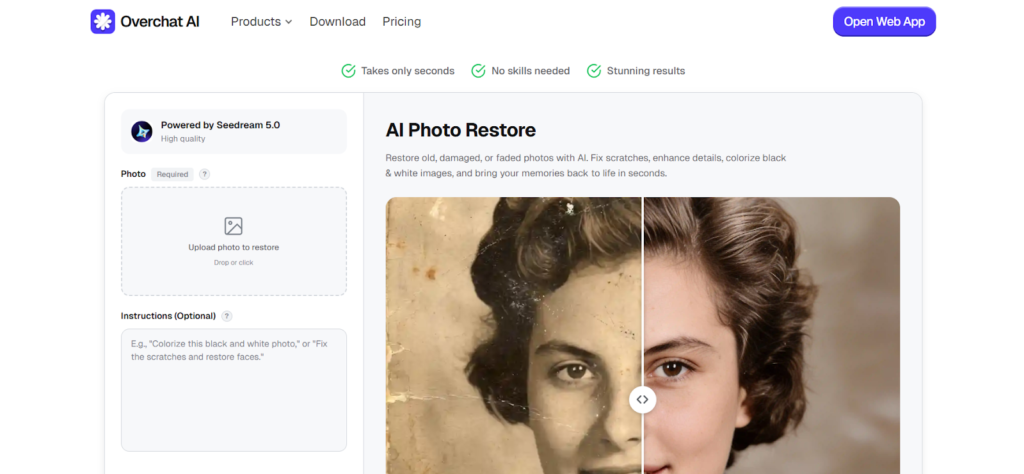
Overchat AI takes a different approach. It leans more heavily on generative AI for restoration. Instead of just enhancing what’s there, it reconstructs.
This works well for images where parts are unclear or missing. It can also add color to black-and-white photos. The trade-off is that results can vary depending on the input quality.
What Makes It Different
Most tools focus on sharpening and noise reduction. This one tries to rebuild. That puts it in a different category.
What sets this tool apart is its processing method:
- Uses generative AI for restoration tasks;
- Rebuilds missing or unclear image areas;
- Supports colorization of old black-and-white photos;
- Works without complex setup or configuration;
- Produces noticeable visual changes.
It’s the more experimental option in this list.
Airbrush AI

Airbrush AI focuses on one thing: faces. If your old photo is a portrait, this tool does well. If the damage is physical, like deep scratches or torn areas, it is not the best fit.
The tool improves facial clarity and sharpness. It reduces blur on faces and enhances portrait photos. But it won’t reconstruct missing parts or fix heavy damage.
Best Use Cases
This isn’t a general restoration tool. It has a specific lane. Knowing when to use it matters more than just knowing it exists.
Consider this tool for specific scenarios:
- Improves facial clarity and sharpness;
- Enhances portrait photos effectively;
- Reduces blur specifically on faces;
- Works well on low-quality portraits;
- Not ideal for heavy physical damage.
It’s a niche tool. Use it when faces are the main focus.
Luminar Neo
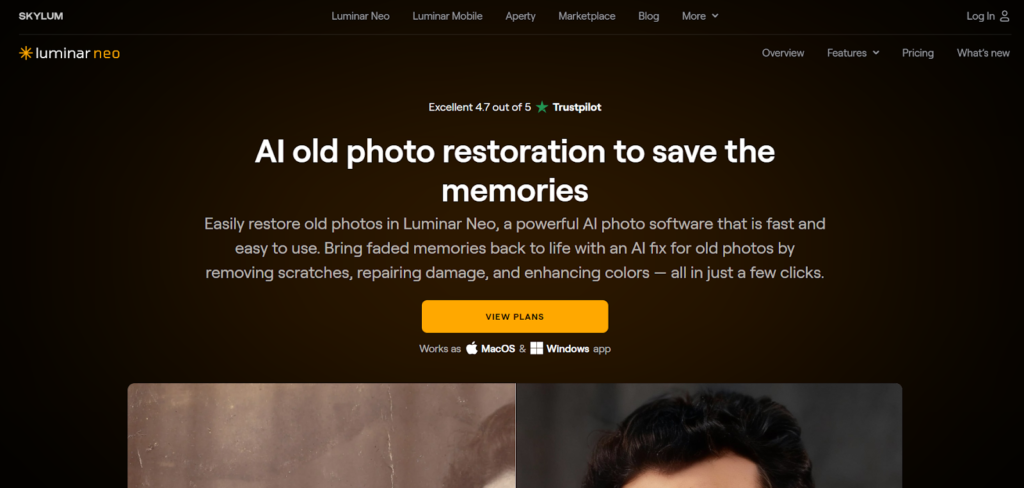
Luminar Neo sits in a different category. It’s a more complex tool that gives you manual control. If you want AI assistance but also want to tweak the final result, this works.
The learning curve is steeper than the other tools here. But that extra complexity comes with flexibility. You can adjust details that automated tools might get wrong.
Where It Stands Out
This tool appeals to a specific type of user. Someone who doesn’t mind spending extra time. Someone who wants final say over the output.
For users who want more control over the outcome:
- Combines AI tools with manual editing options;
- Allows detailed control over the final output;
- Enhances image quality and fine details;
- Works well for advanced users;
- Suits complex editing scenarios.
This is the option for people who don’t mind spending extra time to get things exactly right.
Final Thoughts
These tools take different approaches to restoration. Some focus on speed. Others prioritize quality or manual control. The right choice depends on your photo type and what you expect from the result. Match the tool to the problem, and you’ll get better outcomes with less guesswork.